How do I add / remove new users to my account?
Last updated: May 7, 2026
When you need to give access to new team members who have joined your organization, you can add them directly to your account using the self-service registration feature. This allows you to manage your users directly without contacting Serif Health's support team.
Adding new users
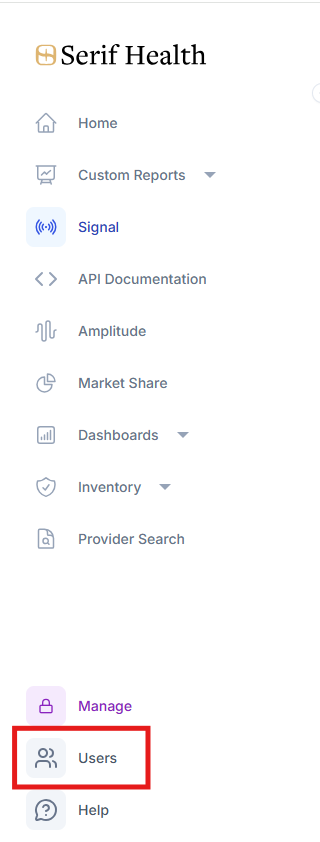
Select "Users" in the left-hand side toolbar - located at the bottom of the toolbar
Click "REG URL" in the upper right corner of the user panel to copy the registration URL

Send the copied registration URL to the new user. Once the new user receives the registration URL, they can use it to create their account and gain access to the platform
Important note: If your account is at the user limit, you'll need to first delete non-active users before adding new ones.
Removing users
In the user panel, hover over the inactive user's account and click on the red delete user icon located on the right-hand side of the screen
